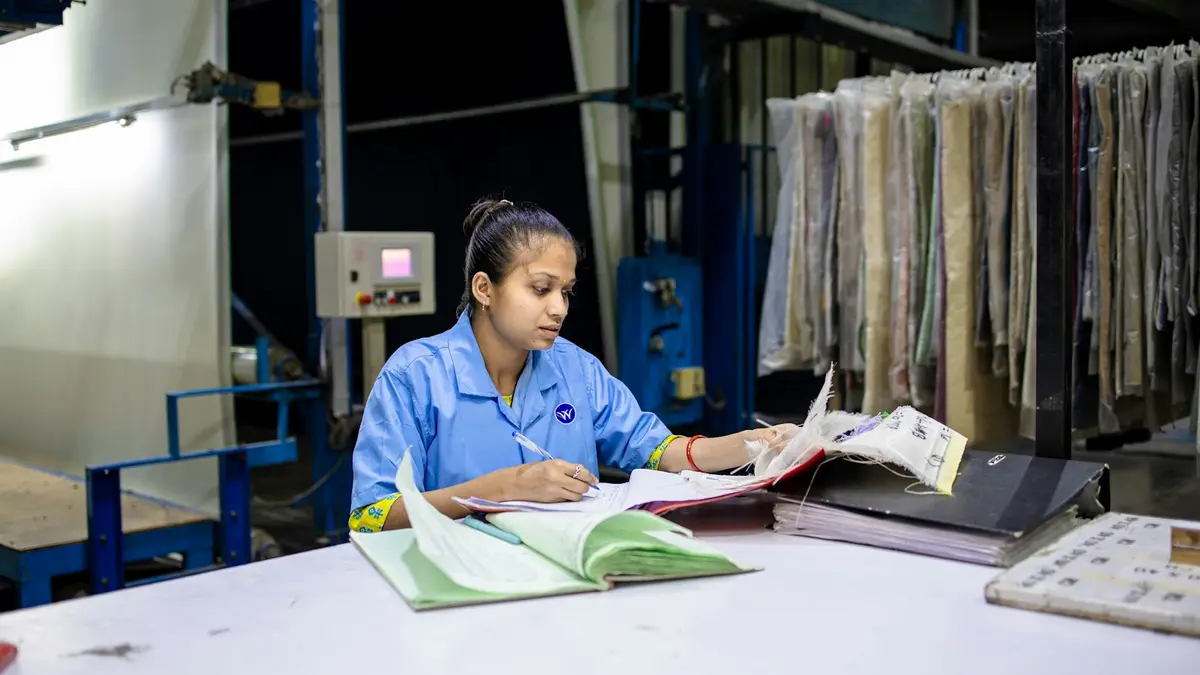
10 AI Slide Generators for Textile and Fashion Presentations

Table of Contents
AI slide generators can turn an outline, report, spreadsheet, image collection, or existing draft into a usable presentation starting point. For textile and fashion professionals, the important question is not simply whether a tool can generate slides. It is whether the resulting deck can support fabric development reviews, collection stories, buyer meetings, sales updates, supplier discussions, training sessions, and branded marketing presentations.
The tools below serve different workflows. Feature availability, export quality, supported file types, and commercial-use terms can change, so confirm current plan-level capabilities before adopting any platform for production work.
1. Dokie AI
Dokie AI is presented as an AI presentation platform for users who need structured, editable business-style decks from multiple content sources.
Best for editable business decks and PowerPoint-style workflows
Its intended workflow suits teams that begin with written material or business documents and need to review, revise, export, and present a structured deck. This can be relevant to apparel range reviews, textile training materials, merchandising plans, showroom presentations, and internal marketing updates.
Dokie AI presentation tools
The following conversion-oriented tools are commonly associated with the platform’s presentation workflow. Confirm direct import, output, and editing options for the current version before relying on them for client deliverables.
Text to PPT
Text-to-slide generation can turn notes, an outline, or a rough idea into a slide sequence. A textile user might start with a collection concept, merchandising plan, seasonal update, or showroom talking points, then add approved images, fabric specifications, and commercial data.
Word to PPT
Word-to-PPT conversion is useful when a fabric-development report, brand brief, product proposal, or training document already contains the core narrative. The generated structure should still be checked for missing context, duplicated points, and suitable slide pacing.
PDF to PPT
PDF conversion can provide a faster route from long documents to presentation-ready summaries. Trend reports, sustainability documents, research papers, company reports, and course materials may be useful inputs, provided the user verifies quotations, figures, charts, and image rights.
Excel to PPT
Spreadsheet-to-slide workflows can help present tables and performance data without copying every value manually. Relevant inputs include sales reports, size curves, inventory summaries, production status data, and sell-through performance. Important numbers should always be checked against the source workbook.
JPG and PNG to PPT
Image-based inputs can support slides built from screenshots, diagrams, sketches, fabric swatches, line sheets, mood boards, and design references. Images need clear labels because an AI-generated slide cannot reliably infer fibre content, colour standard, construction, or technical approval status from visuals alone.
HTML to PPT
HTML or web-content conversion may be helpful for adapting product pages, landing pages, campaign pages, online lookbooks, and other structured web material into a presentation format. Review the final deck for broken layouts, outdated web copy, and assets that should not be reused outside their original context.
Why consider Dokie AI?
Dokie AI may suit users seeking a familiar, structured presentation workflow rather than a purely web-based storytelling canvas. Its appeal is the potential to begin with existing content and produce an editable business deck, although export fidelity and available conversion formats should be tested with representative files.
2. Gamma
Gamma is a visually oriented AI content platform that can be useful when the presentation itself should feel closer to an interactive web story than a conventional slide deck.
Best for visual storytelling and web-style decks
Gamma can suit collection stories, mood boards, brand narratives, product launches, and visual explainers. Its format can make it attractive for sharing online, but teams that require precise PowerPoint editing should inspect exported files carefully.
Why consider Gamma?
Choose Gamma when visual flow, modern layouts, and shareable presentation experiences matter more than strict adherence to established PowerPoint templates. It is less suitable when every element must conform to a detailed corporate slide master.
3. Adobe Express
Adobe Express combines quick design creation with AI-assisted content tools within the broader Adobe ecosystem.
Best for brand-consistent decks with generative AI
It can be considered for seasonal concept decks, lookbooks, brand presentations, merchandising reviews, and campaign slides. Brand assets, fonts, stock content, and generated visuals can help maintain a coherent visual direction. Adobe identifies Firefly as the source of many generative AI features; users should review current Adobe terms before treating generated assets as cleared for a particular commercial use.
Why consider Adobe Express?
Adobe Express is practical for teams already using Adobe creative tools and needing rapid, brand-led presentation visuals. It is especially useful when slides depend on image treatment and layout, not only on text generation.
4. Canva AI Presentation Maker
Canva offers AI-assisted presentation drafting alongside extensive template and visual-editing tools.
Best for design flexibility and branded slides
Canva can support mood boards, colour stories, collection pitches, lookbooks, retail presentations, and training decks. Users can refine a generated draft with brand colours, graphics, icons, images, templates, and collaborative comments. Decorative text effects may help create editorial-style headings, but the commercial logic, sequence, and accuracy of the deck remain the user’s responsibility.

Source: Unsplash
Why consider Canva?
Canva is a strong fit for users who want direct visual control after AI generation. It is often most useful where a deck must reflect a collection identity or marketing campaign rather than follow a rigid reporting format.
5. Beautiful.ai
Beautiful.ai focuses on presentation design systems that aim to keep layouts organized as content changes.
Best for brand-consistent team presentations
It can suit sales decks, merchandising reviews, supplier presentations, brand-guideline updates, and recurring status reports. Automated or smart-layout approaches can reduce inconsistent spacing and formatting, although they may offer less freedom than manual slide design.
Why consider Beautiful.ai?
Consider Beautiful.ai when a team needs a consistent, professional visual standard across recurring presentations. It may be particularly useful for non-designers who want layout guidance and fewer formatting decisions.
6. Tome
Tome is associated with narrative-led, visually driven presentations for communicating ideas and stories.
Best for narrative decks and idea storytelling
It can be useful for capsule-collection narratives, sustainability concepts, product stories, startup ideas, and visual explainers. The approach generally favors sequential storytelling over formal business-report structures, so it may not be the best choice for highly standardized reports or editable PowerPoint deliverables.
Why consider Tome?
Choose Tome when the presentation needs emotional flow and a clear visual narrative. It is better matched to concept communication than densely tabular line reviews or compliance-focused reporting.
7. SlidesAI
SlidesAI is designed for converting written content into slides within familiar presentation environments.
Best for Google Slides users
It can be a practical starting point for class projects, buyer notes, material summaries, and team updates, especially for people who already work in Google Slides. It is generally better treated as a quick drafting assistant than a substitute for detailed visual design.
Why consider SlidesAI?
SlidesAI may suit students, educators, and teams seeking lightweight AI assistance without changing their regular slide workflow. Check current compatibility and export options if PowerPoint handoff is required.
8. Plus AI
Plus AI is intended to bring AI assistance into established PowerPoint and Google Slides workflows.
Best for PowerPoint and Google Slides workflows
Relevant uses include line reviews, sales decks, seasonal planning presentations, and updates to an existing company template. AI functions may help generate a first draft, rewrite sections, improve structure, or revise an existing deck while keeping work in the slide software used by the team.
Why consider Plus AI?
Plus AI is worth considering when an organization already has templates, shared folders, and review processes built around PowerPoint or Google Slides. The main advantage is workflow continuity rather than a separate presentation destination.
9. Microsoft Copilot for PowerPoint
Microsoft Copilot for PowerPoint is a Microsoft 365-based option for teams already working with Microsoft documents and presentations.
Best for Microsoft 365 users
It can support drafting outlines, generating slides, rewriting material, and preparing speaker notes from available source content. Product notes, planning files, sales summaries, and meeting materials may provide useful starting points, subject to organizational permissions and data-governance rules.
Why consider Microsoft Copilot?
For Microsoft 365 organizations, Copilot can reduce friction because presentation work remains inside PowerPoint. Teams should confirm licensing, tenant settings, file-access permissions, and handling of confidential supplier or customer information.
10. Pitch
Pitch is a collaborative presentation workspace aimed at teams creating, editing, sharing, and presenting decks together.
Best for collaborative on-brand team decks
It can be relevant to startup, marketing, sales, creative, design, merchandising, and fashion teams that need shared editing and brand consistency. AI-assisted features may help create an initial direction, personalize messaging, or improve visual content, but final approval should remain with the responsible team.
Why consider Pitch?
Pitch may fit teams where collaboration and consistent brand presentation are central requirements. It is most useful when several contributors need to shape a deck before a buyer meeting, launch, internal review, or sales presentation.
Presentations.AI
Presentations.AI is an AI-first presentation platform designed around creating business decks from prompts and source material.
Best for business decks generated from documents and data
It may be useful for proposals, pitch decks, training materials, supplier updates, and data-led textile presentations. Unlike an add-on within a traditional slide application, this type of platform is intended to manage more of the generation process in one workspace. Confirm which document and data formats are supported before selecting it for a regular workflow.
Why consider Presentations.AI?
Consider it when an end-to-end AI presentation workflow is more important than working directly inside PowerPoint or Google Slides. As with any generated deck, users should validate facts, recalculate figures where necessary, and apply final brand formatting.
How to choose an AI slide generator for textile and fashion work
Start with the real source material and the final delivery requirement. A product-development team working from PDFs, spreadsheets, and technical documents may value content conversion and editability. A creative team preparing a collection launch may prioritize visual customization and image handling. A commercial team may need collaboration, brand controls, analytics, or native PowerPoint support.
A practical evaluation should include:
- Output format: Determine whether the recipient needs an editable PowerPoint file, a Google Slides deck, PDF, or a web presentation.
- Input types: Check whether the tool can use text, Word files, PDFs, spreadsheets, images, or web content in the required plan.
- Brand control: Test templates, fonts, colour palettes, logo placement, and image treatment against an approved brand guide.
- Data accuracy: Verify sales figures, inventory values, technical specifications, fibre claims, and sustainability statements against source records.
- Manual cleanup: Generate a realistic sample deck and measure how much rewriting, layout correction, and image replacement it needs.
- Collaboration and security: Review sharing permissions, account controls, intellectual-property terms, and policies for confidential textile, supplier, or customer data.
Final assessment
AI presentation tools can accelerate first drafts for textile students, designers, merchandisers, marketers, founders, consultants, educators, and manufacturing teams. They are most valuable when they remove repetitive formatting work while leaving the user in control of factual accuracy, visual selection, technical detail, and brand decisions.
Dokie AI is a relevant option for users who prioritize editable, business-oriented decks and content-to-presentation workflows. Gamma and Tome lean toward visual storytelling; Canva and Adobe Express emphasize design flexibility; Beautiful.ai and Pitch support consistent team output; while SlidesAI, Plus AI, and Microsoft Copilot can fit established slide-software workflows. The best option depends on required editability, source files, collaboration needs, visual standards, and the amount of review the final presentation will receive.

Source: Unsplash