How to Restore Fabric Texture in Photos When a Reshoot Is Not Possible
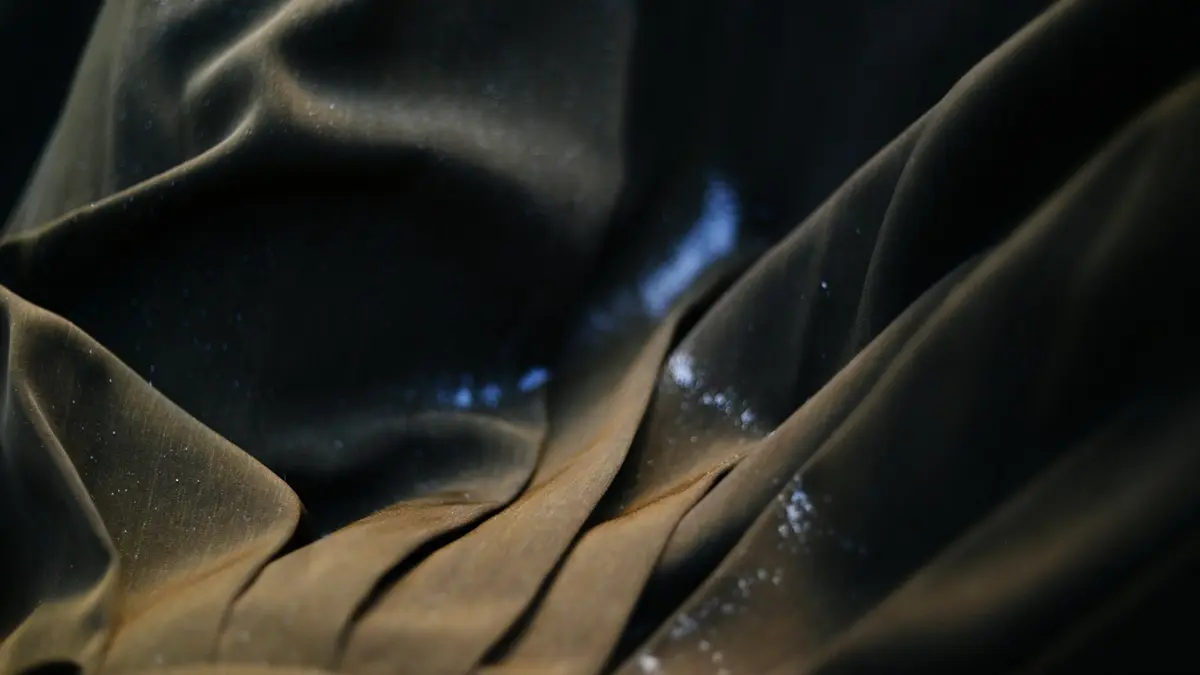
Table of Contents
Introduction to Restoring Textile Photos
Textile swatch photographs often look less informative than the fabric itself. A cloth that has clear yarn definition, subtle luster, raised embroidery, or a distinctive weave in person may appear flat, soft, fuzzy, noisy, or incorrectly colored in a photograph. This is especially common with close-up images made quickly for sampling, sourcing, online listings, classroom records, or lookbooks.
When the fabric cannot be photographed again, image restoration can improve the usefulness of the available file. Careful correction may make captured weave, knit structure, stitching, print edges, surface variation, and color relationships easier to see. The objective is not to make the textile look artificially sharper or more luxurious than it is. It is to create a natural, believable image that communicates the visible characteristics that were already partly present in the photograph.
Why Textile Photography Is Difficult to Get Right
Textiles are challenging subjects because their appearance depends on very small structures, directional surfaces, color interactions, and lighting conditions. A camera records only a limited interpretation of these properties. Focus, lens distance, sensor resolution, file compression, exposure, and white balance can all affect whether the resulting image represents the material clearly.
Source: Unsplash
A fabric image should therefore be assessed as both a technical file and a material record. It may be adequate for showing an overall pattern while being inadequate for identifying yarn definition, pile direction, stitch quality, sheen, or the exact tone of a dyed ground. Restoration can help address visible defects, but the source file determines how much reliable improvement is possible.
Why Small Weave Details Matter
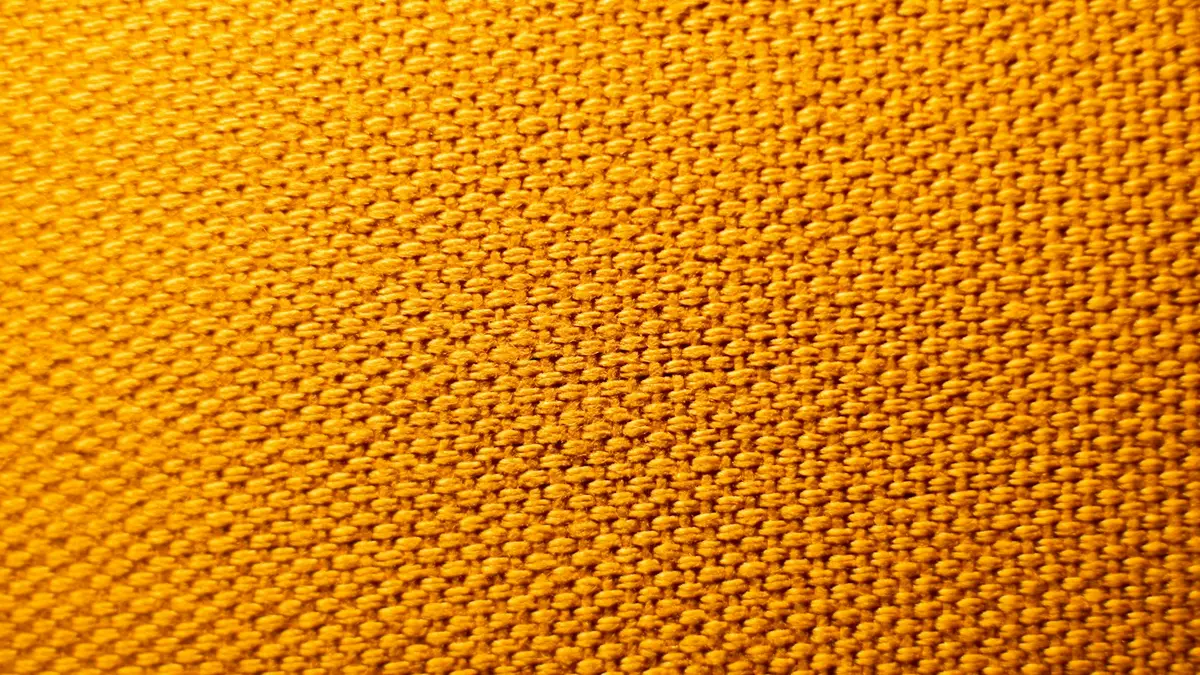
Threads, loops, floats, yarn twists, pile, and surface arrangement give a textile much of its visual identity. The same color can look very different in a plain weave, twill, satin weave, rib knit, jacquard, boucle, or embroidered construction. Fine details also help viewers distinguish between printed effects and structural texture.
Slight focusing errors can soften these small elements until individual yarn paths merge into a general blur. Lossy compression, often found in messaging-app images and downloaded supplier files, can add blockiness, ringing, or smearing around thread edges. At small display sizes these problems may be unobtrusive, but they become more evident in enlarged layouts.
Detail restoration should clarify what the photograph has captured rather than invent a construction that is not visible. Moderate local contrast, controlled sharpening, and careful blur reduction may make an existing weave easier to read. If thread crossings, stitch paths, or pattern boundaries are absent from the source, they should not be presented as verified fabric structure.
How Lighting Changes Fabric Appearance
Light direction, size, and intensity strongly influence the way a textile appears. Side lighting can reveal relief in embroidery, quilting, crepe, chenille, or textured weaves, while broad frontal light can reduce shadows and make the same surface appear smoother. A poorly placed light may also produce glare that hides detail in one area while leaving another area underexposed.
Lustrous fabrics are particularly sensitive. Silk, satin, brocade, metallic yarns, and coated materials can look dimensional under directional lighting because their surfaces reflect light unevenly. In a dull or poorly exposed image, their highlights may disappear, their darker areas may block up, and their characteristic reflectance may be mistaken for a flat color.
For these materials, restoration is not simply a matter of increasing brightness. Better results usually come from balancing highlight and shadow detail, reducing distracting glare where possible, and preserving the gradual tonal changes that communicate surface reflectance. Excessive contrast can make luster look like harsh digital sharpening rather than a property of the fabric.
Why Inaccurate Color Alters Fabric Perception
Color is central to textile interpretation. It affects how viewers understand dye depth, print clarity, fiber character, finish, quality level, and coordination with other materials. A small shift in hue, saturation, or lightness can change the perceived identity of a fabric, particularly for neutrals, pale shades, deep colors, and multicolor prints.
Is the Photograph Showing the Actual Fabric Shade?
A photograph may resemble the swatch while still failing to show its exact shade. Camera settings, automatic processing, screen calibration, surrounding colors, and export settings can all alter the displayed result. A restored photograph can be more balanced and more useful for communication, but it should not automatically be treated as a definitive color standard.
For technical approval, color matching, or production decisions, use a physical swatch, approved laboratory dip, color standard, or calibrated reference workflow. The image can support discussion and documentation, but it cannot replace direct assessment of the material under defined viewing conditions.
How Lighting Can Shift Perceived Textile Color
Mixed lighting is a frequent cause of color casts. Daylight entering a room may combine with warm interior lamps; cool LEDs may shift a white ground toward blue; and weak lighting may make colors appear dull or muddy. Automatic white balance may correct part of the scene while leaving the fabric noticeably warm, cool, greenish, or magenta.
These shifts matter for dyed fabrics, prints, plaids, and detailed decorative textiles because viewers may interpret the altered image as an intentional colorway. Correction should begin with visually neutral areas when available, then move to restrained adjustments of white balance, exposure, hue, and saturation. Avoid pushing color until the image looks attractive at the expense of a plausible textile appearance.
Why Older or Low-Resolution Photos Fail When Enlarged
Older scans, supplier thumbnails, screenshots, and images sent through messaging services often have limited pixel dimensions and compressed detail. When such files are enlarged, blur, compression artifacts, uneven noise, and jagged pattern edges become more visible. This can make an otherwise acceptable small image unsuitable for a presentation spread or product page.
Enhancement can reduce the prominence of these problems and improve apparent clarity, but it cannot reliably recover information that was never recorded. Reconstruction methods may create plausible edge transitions or surface patterns during enlargement. Those reconstructed areas should not be interpreted as direct evidence of the original yarn structure, fabric count, or finish.
When Reshooting the Textile Is Not an Option
A reshoot is often the best route to an accurate textile image, but it is not always practical. The swatch may have been sold, returned to a supplier, shipped to another location, archived in a collection, incorporated into a product, or lost. In other cases, the original photographer, lighting arrangement, styling materials, or suitable equipment are no longer available.
Lookbook deadlines, portfolio submissions, sourcing presentations, and teaching schedules can also leave little time to obtain a replacement photograph. In these situations, restoration provides a practical way to make an existing image clearer and more consistent for its intended use. It is particularly valuable when multiple images from the same project need a more uniform appearance.
Before editing, confirm the image’s purpose. A restored photo for a mood board can tolerate more interpretive improvement than an image used to support a quality discussion or color decision. Keeping the final use in mind helps determine how much correction is appropriate and what limitations should be disclosed.
A Practical Workflow for Restoring Textile Images
A useful restoration workflow is tool-neutral and begins with assessment rather than automatic processing. View the image at both normal layout size and close inspection size. Identify the primary issue: soft focus, motion blur, compression, noise, color cast, poor exposure, glare, uneven lighting, or insufficient output resolution. Work from broad corrections toward fine detail so that later sharpening does not exaggerate defects.
Source: Unsplash
A practical sequence is to duplicate the original file, correct overall exposure and color balance, reduce distracting noise or artifacts conservatively, refine local contrast and visible detail, then prepare an output appropriate for its destination. Save the original unchanged and label the restored version clearly, especially when the image will be shared among design, sourcing, merchandising, or quality teams.
Recovering Visible Texture and Fine Detail
Begin detail work with a restrained approach. Blur reduction and moderate sharpening may clarify weave direction, knit ribs, stitch lines, embroidery outlines, printed boundaries, and surface texture. Local contrast or clarity controls can help separate adjacent tonal areas, but strong settings can create halos, brittle edges, or an unnaturally gritty surface.
Adjustable enhancement strength is valuable because different textiles need different treatment. A coarse tweed may tolerate modest texture definition, while a fine voile, satin, brushed fabric, or delicate lace can quickly look artificial if sharpening is aggressive. Check highlight areas and dark folds closely; these regions often reveal oversharpening first.
For a group of swatches photographed under similar conditions, batch processing may improve consistency and save time. Review each output individually, however, because fabrics with different colors, finishes, and reflectance can respond differently to the same settings. Select output dimensions according to use: a small web listing, a presentation slide, and a printed lookbook spread require different amounts of resolution.
Evaluating a Before-and-After Textile Image
Compare the restored image directly with the original rather than judging the edited result in isolation. In a soft close-up swatch image, look for whether thread direction, surface pattern, and stitch definition are easier to distinguish without producing false-looking outlines or repeated digital patterns.
Useful questions include:
- Does the weave or surface pattern look clearer at the intended viewing size?
- Are edges cleaner without bright halos or dark outlines?
- Has noise been reduced without making the fabric waxy or overly smooth?
- Does the color still look plausible for the material and lighting?
- Has the edit added apparent detail that cannot be supported by the source image?
A successful result improves legibility while retaining the character of the original photograph. It improves captured information; it does not reliably recreate missing threads, missing embroidery, or an unseen reverse side of the material.
Correcting Problems Beyond Blur
Poor textile photographs rarely have only one defect. A soft image may also have visible sensor noise, low contrast, clipped highlights, deep shadows, uneven illumination, or a color cast. Addressing these issues together usually produces a more convincing outcome than applying strong sharpening alone.
Noise reduction should be applied with particular care. Fine noise can resemble textile grain, but heavy noise reduction can erase genuine yarn texture, soften printed line work, and make a natural fabric surface appear plastic. Use a light correction, inspect at close range, and restore only enough clarity to retain visible construction and texture.
Exposure correction can reveal detail in shadows and reduce overly bright areas, while color correction can remove an obvious warm or cool cast. These adjustments should remain moderate. If the original file contains clipped highlights or completely blocked shadows, the missing tonal information may not be recoverable.
Assessing a Poorly Lit Fabric Swatch
A poorly lit swatch photograph may show uneven brightness, a strong color cast, visible noise, and a flat surface with little separation between threads or motifs. Start by examining whether the image contains a believable neutral reference, such as an uncolored background or a known gray area. If no reliable reference exists, aim for a visually balanced result rather than claiming exact color accuracy.
Correct broad lighting and color issues before attempting texture enhancement. Once the image has more balanced tones, restrained detail refinement can make the surface appear cleaner and easier to interpret. Compare the result with any available supporting material, such as a product description, a previous approved image, or a physical reference viewed under suitable conditions.
Even a well-restored swatch image remains an image interpretation. It should not replace a physical swatch or calibrated color reference when exact shade, gloss level, hand feel, thickness, fiber content, or material identity must be confirmed.
Preparing a Restored Image for a Larger Lookbook Layout
Restoration and upscaling are related but different tasks. Restoration aims to improve the visible quality of the existing file by addressing blur, noise, color, exposure, and artifacts. Upscaling increases pixel dimensions so the image can be displayed at a larger size with smoother edges and more stable apparent detail.
Restore the image first, then enlarge it if the layout requires more resolution. Enlarging a noisy or badly color-cast file before correction can make its defects more prominent. After upscaling, inspect the image at its expected display or print size as well as at close range.
Upscaling can support a cleaner lookbook or portfolio layout, especially when a modest-sized swatch image must occupy more space. However, enlarged pixels do not establish original fabric specifications. Any reconstructed detail should be treated as display support, not as proof of weave density, yarn count, stitch construction, or exact surface texture.
Key Limits of Textile Photo Restoration
When a reshoot is impossible, restoration can make an existing textile photograph much more useful. Controlled color correction, artifact reduction, noise management, detail refinement, and enlargement can help a swatch image communicate its visible pattern, surface character, and overall appearance more effectively in lookbooks, portfolios, presentations, and educational materials.
The strongest results are usually conservative. They preserve natural tonal transitions, avoid exaggerated sharpening, and distinguish between information captured by the camera and detail reconstructed during processing. Before-and-after review, clear file naming, and use of the original image as a retained record all support more responsible use.
A restored image remains an improved representation of a textile, not a substitute for physical inspection. When exact color, texture, luster, fiber content, construction, or quality assessment matters, consult the physical fabric and an appropriate calibrated reference process whenever possible.